
Find out what you sold, what you keep and which products sell best. Pick any period in Oja Analytics and download your report as a PDF or spreadsheet.
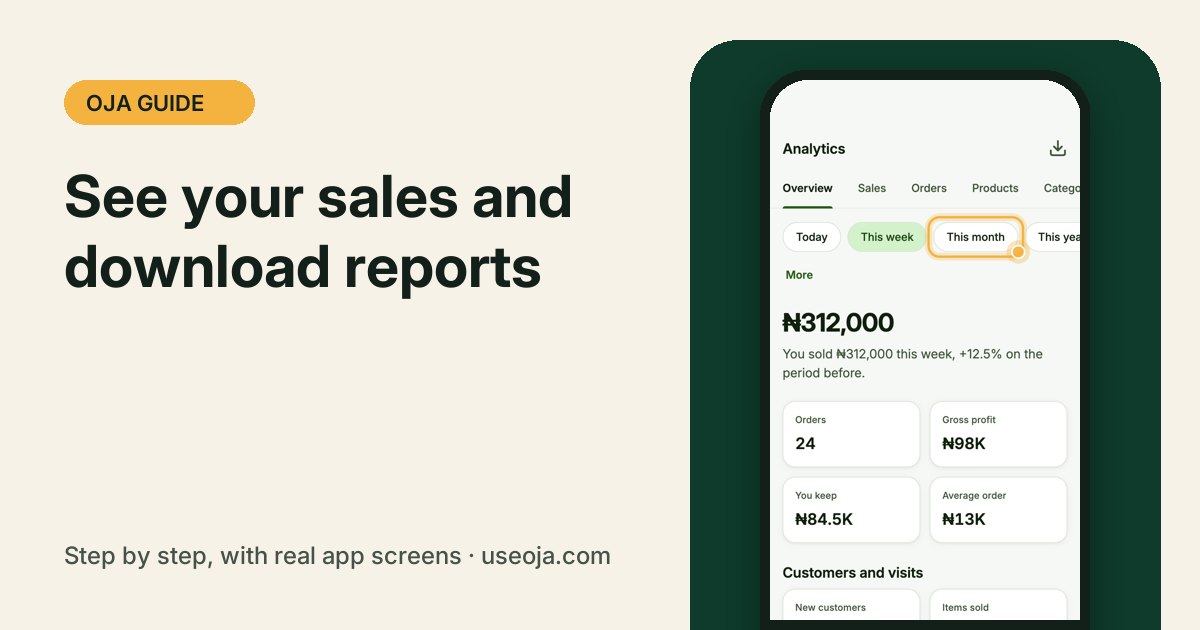
Your numbers tell you what to buy, what to push and what you really keep. Oja turns every sale into clear reports you can read on your phone or download for your accountant or bank.
Before you start
- Record your sales in Oja, so the reports have something to show.
- Add your cost prices and expenses to see your real profit.
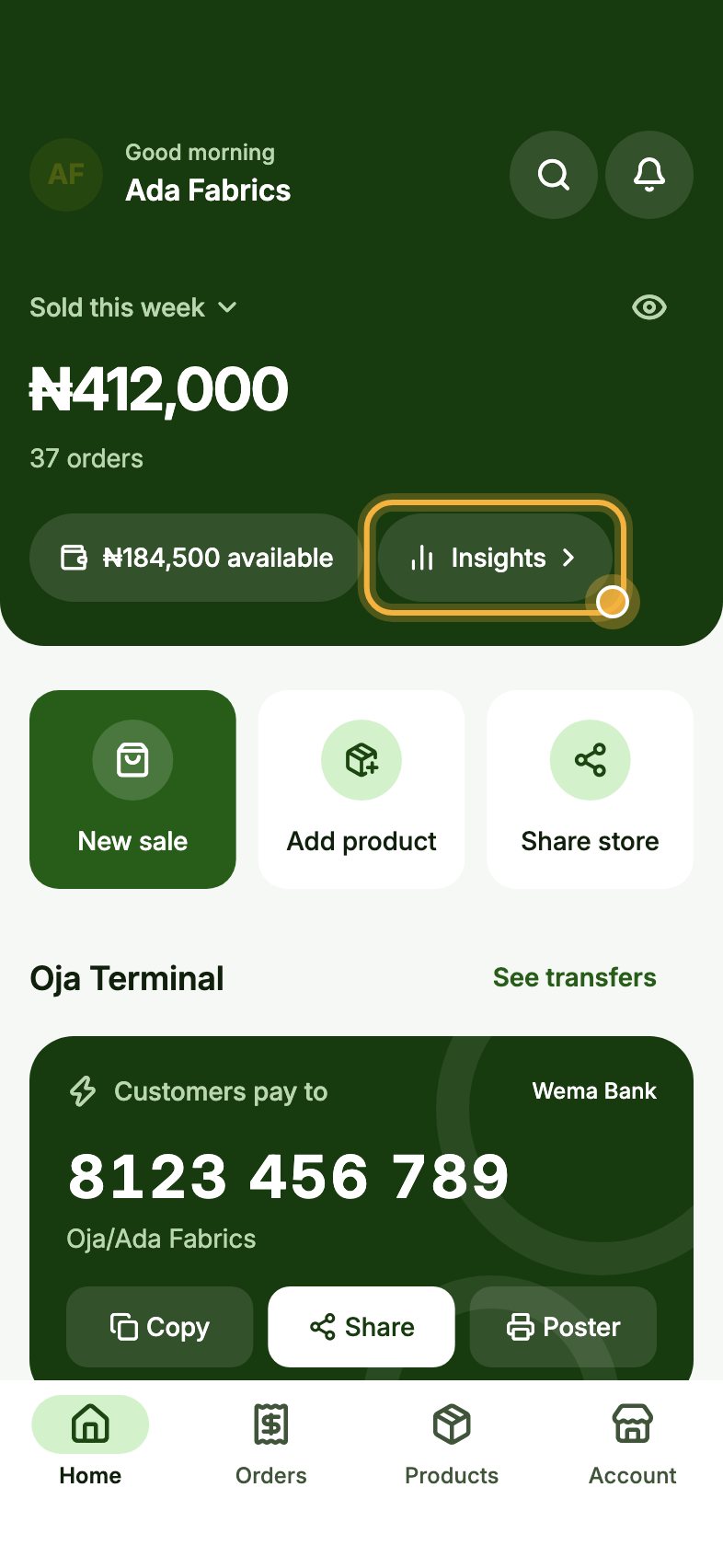
Tap Insights on Home
On Home, tap Insights next to your available balance. You can also open Analytics from the Toolbox or the Account tab.
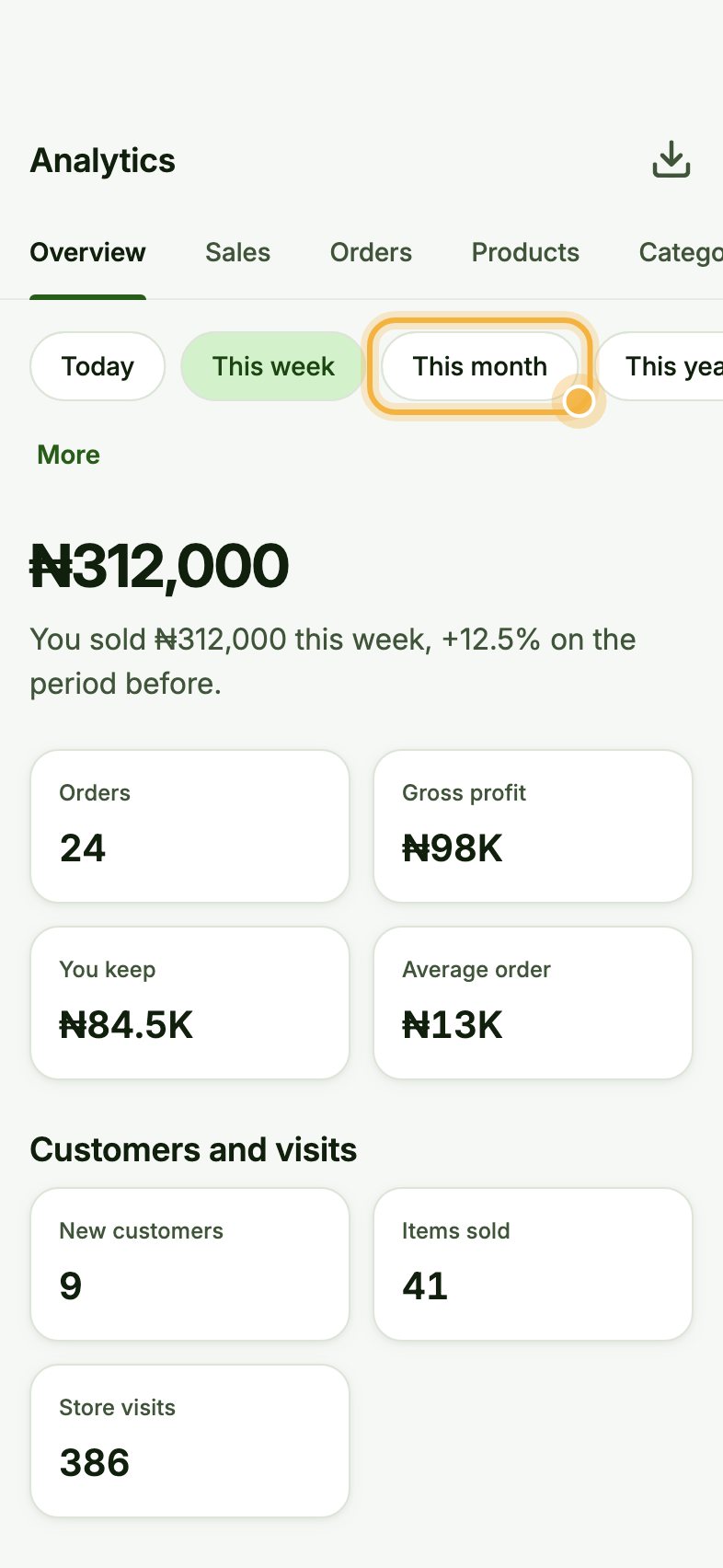
Pick a period
Choose Today, This week, This month, This year or Custom dates. Oja shows what you sold, how it compares with the period before, your orders, gross profit, what you keep and your average order.
Use the tabs (Sales, Orders, Products, Categories, Customers, Deliveries) for more detail.
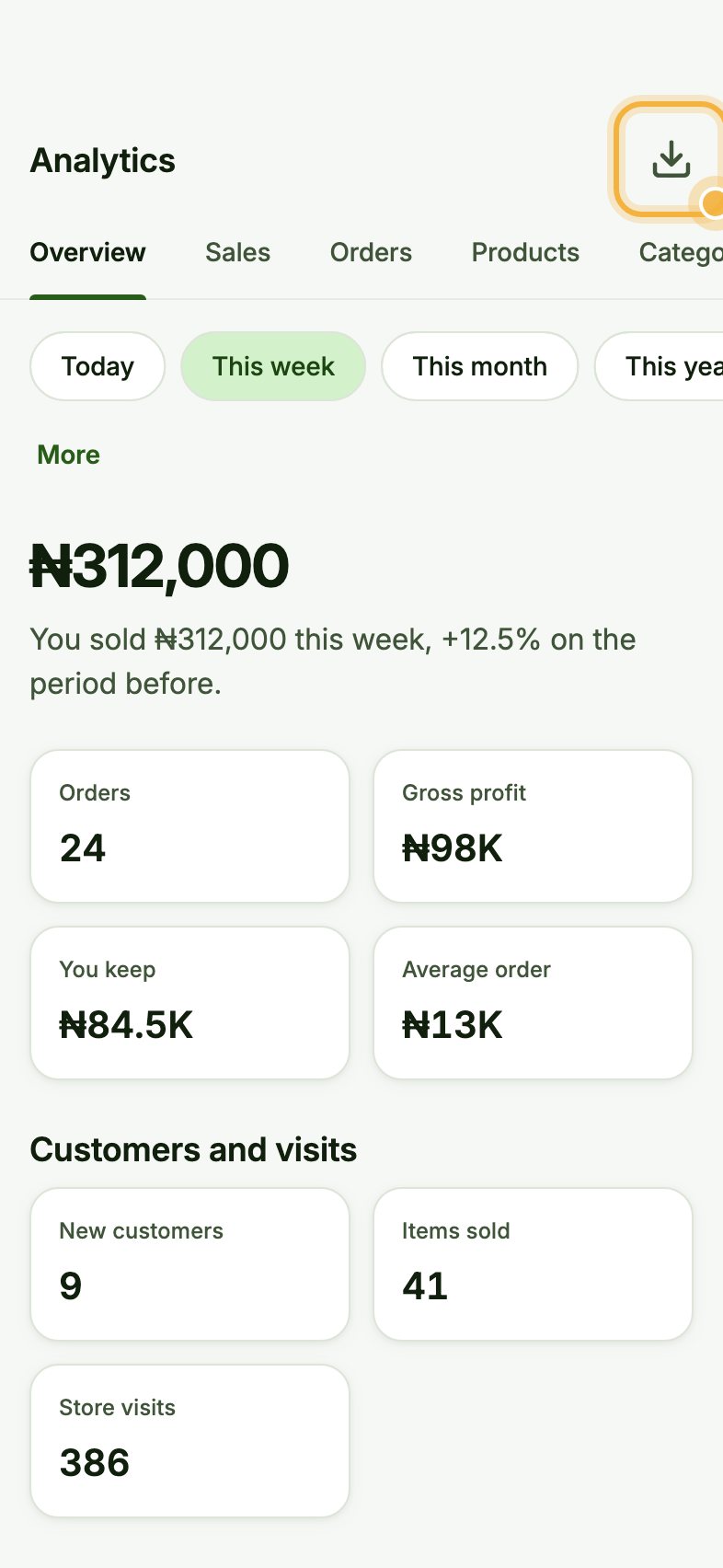
Tap the download icon for a report
Tap the download icon at the top right. Choose the period and the file type (PDF or spreadsheet) and download your report to share with your accountant or bank.
Tips that save time
- Check Products each week to see your best sellers and what is not moving.
- The sales channels chart on Home shows whether WhatsApp, Instagram or walk-ins bring in more.
- Banks trust the verified statement: it shows the money Oja actually saw.
Try it in the Oja app
Oja is free to start. Download the app, open your store in minutes and follow this guide on your own phone.
Start selling free