
Give each salesperson their own Oja login and only the access they need. Invite staff as Cashier, Manager or a custom role, and see what each person sold.
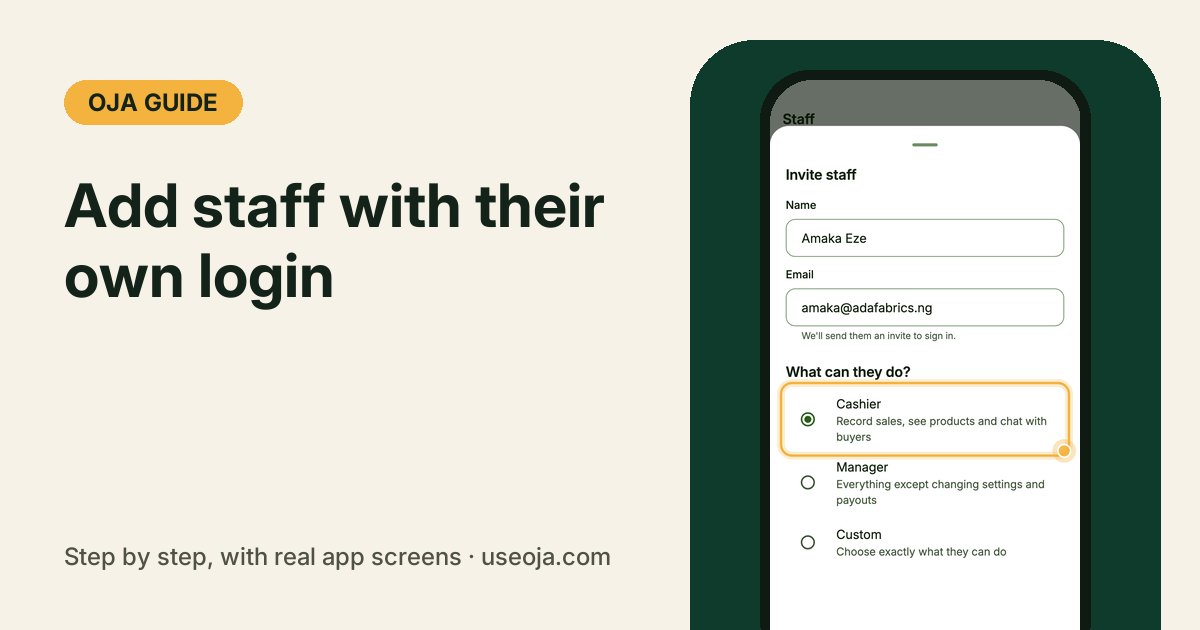
Sharing your own login with your sales girl or shop manager means they see everything, including your money, and you cannot tell who sold what. With staff accounts on Oja, each person signs in with their own email and only sees what you allow.
Before you start
- The Chairman plan.
- The name and email address of each person you want to add.
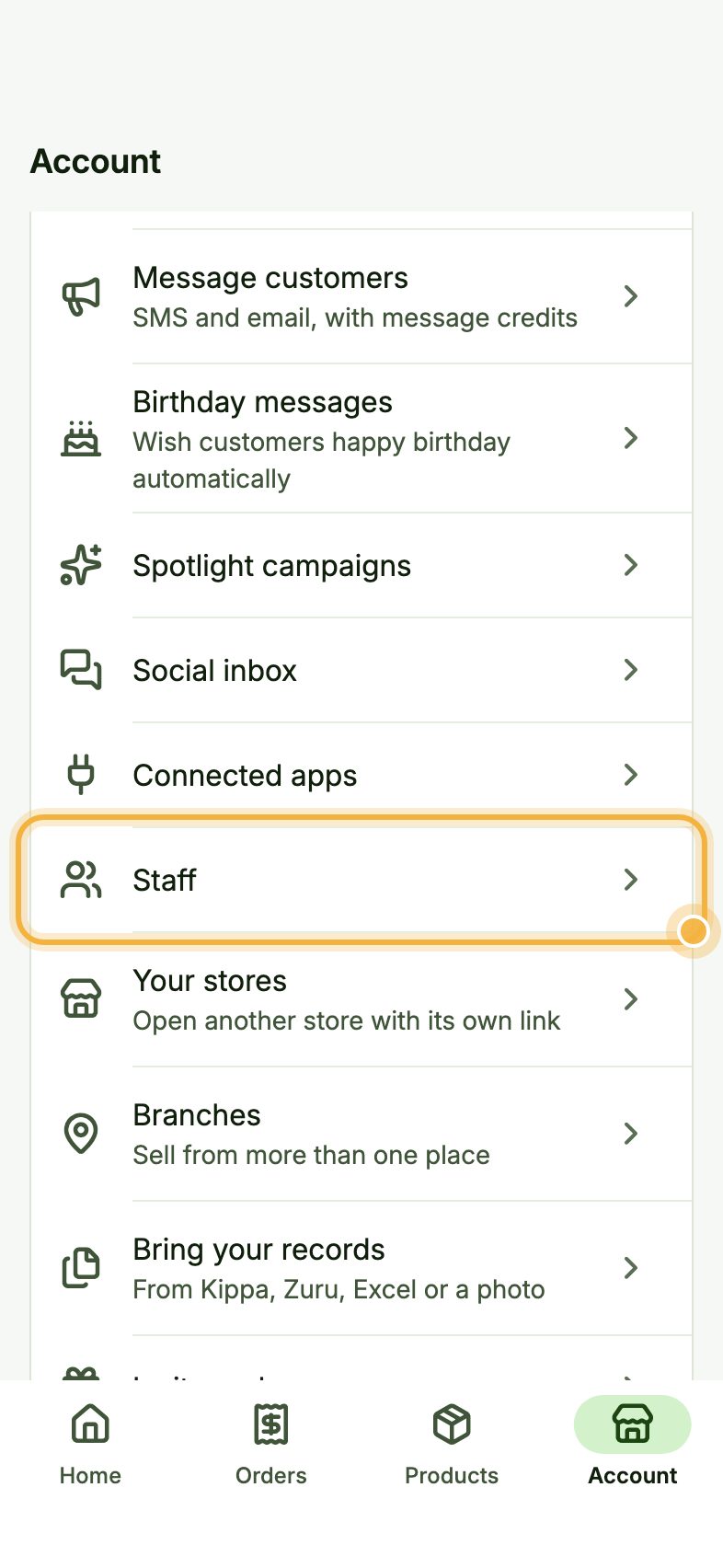
Open Staff
Go to the Account tab and tap Staff.
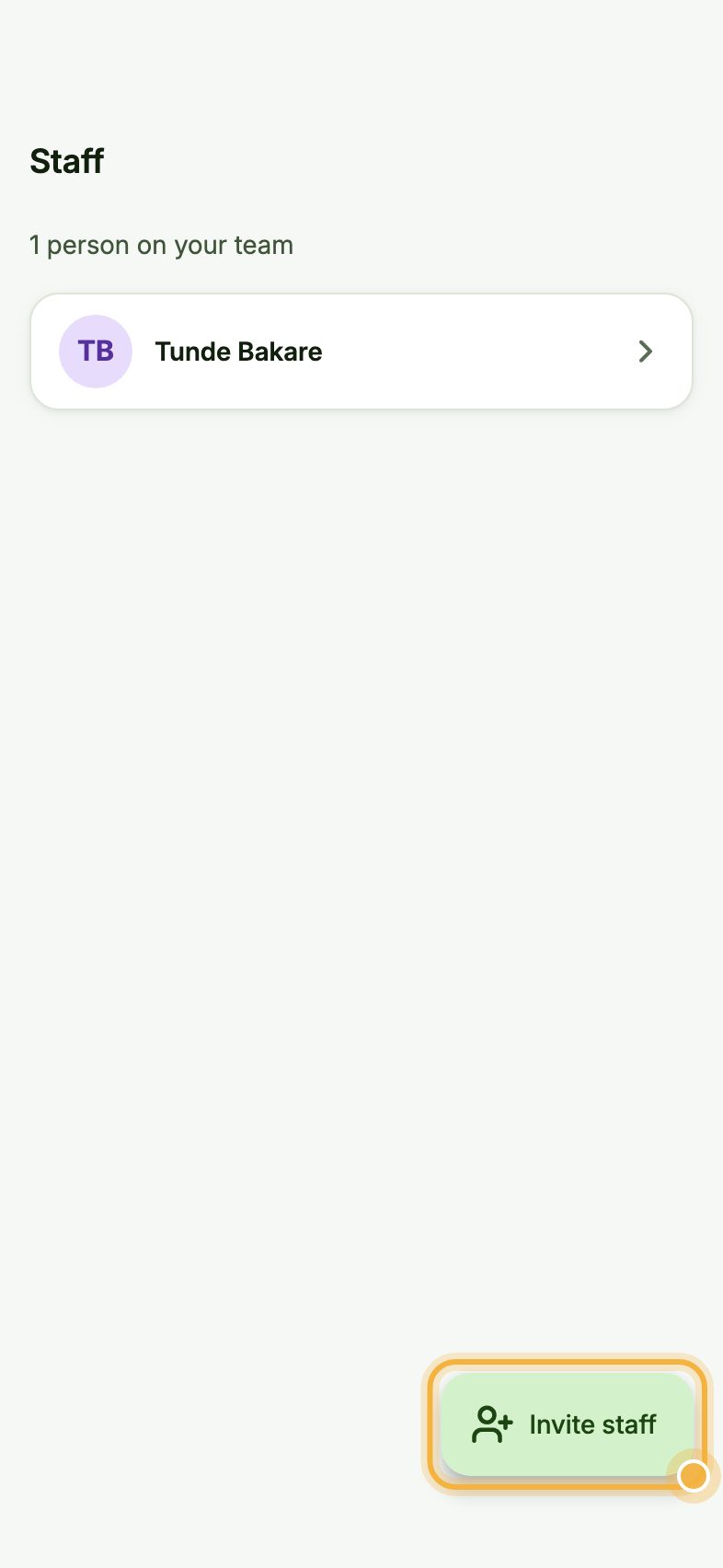
Tap Invite staff
You see everyone on your team, with what each person has sold. Tap Invite staff.
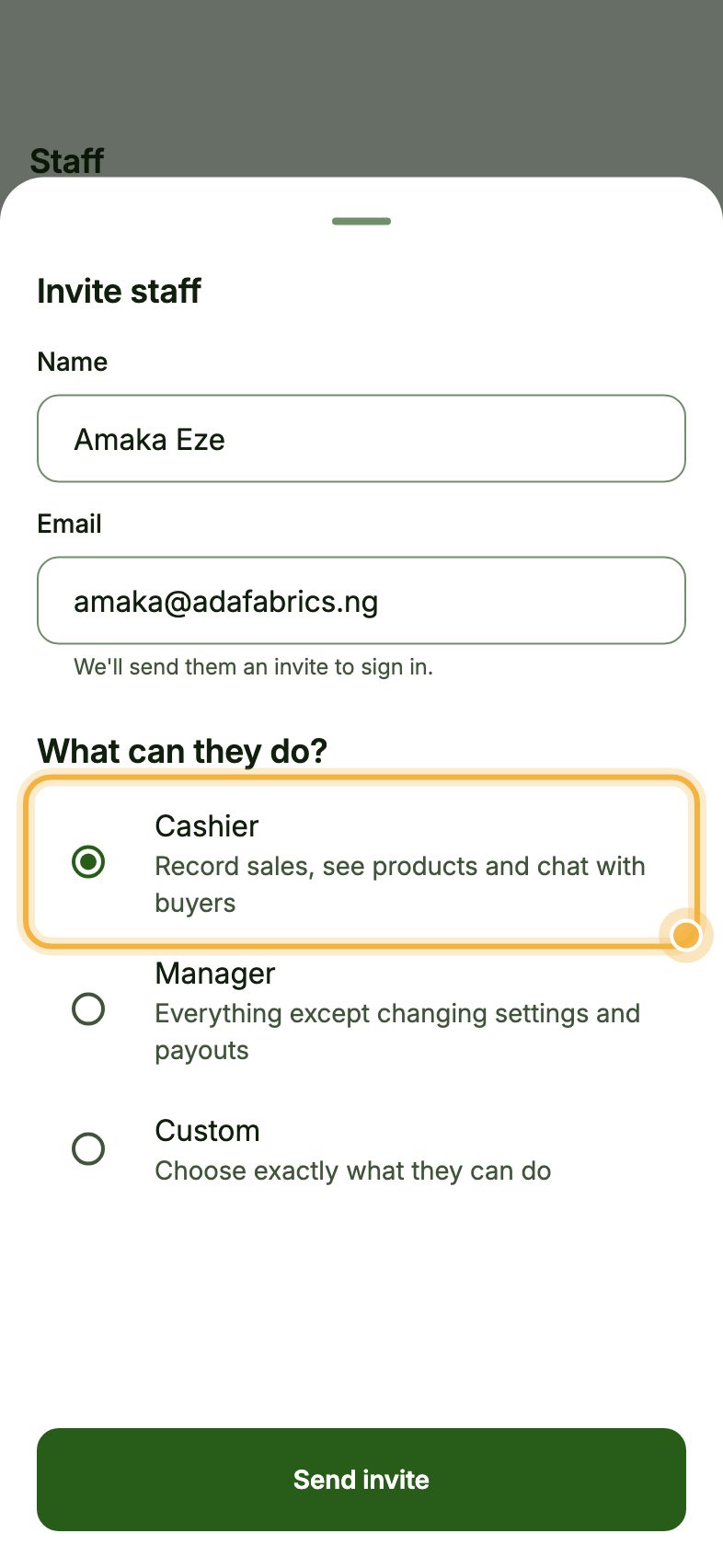
Choose what they can do and send the invite
Type their Name and Email. Under What can they do?, pick one:
Cashier records sales, sees products and chats with buyers. Manager can do everything except change settings and payouts. Custom lets you choose exactly, for example whether they can see cost prices, insights or export data.
Tap Send invite. They get an email, set a password and join your store.
Tips for a team you can trust
- Start everyone as Cashier. You can change their access any time from Staff.
- Turn on staff sale alerts or the evening summary in Notification settings to see what was sold while you were away.
- Close the day each evening, so cash in the drawer is checked against sales every day.
Try it in the Oja app
Oja is free to start. Download the app, open your store and add your team when you move to Chairman.
Start selling free